Product Details
Description
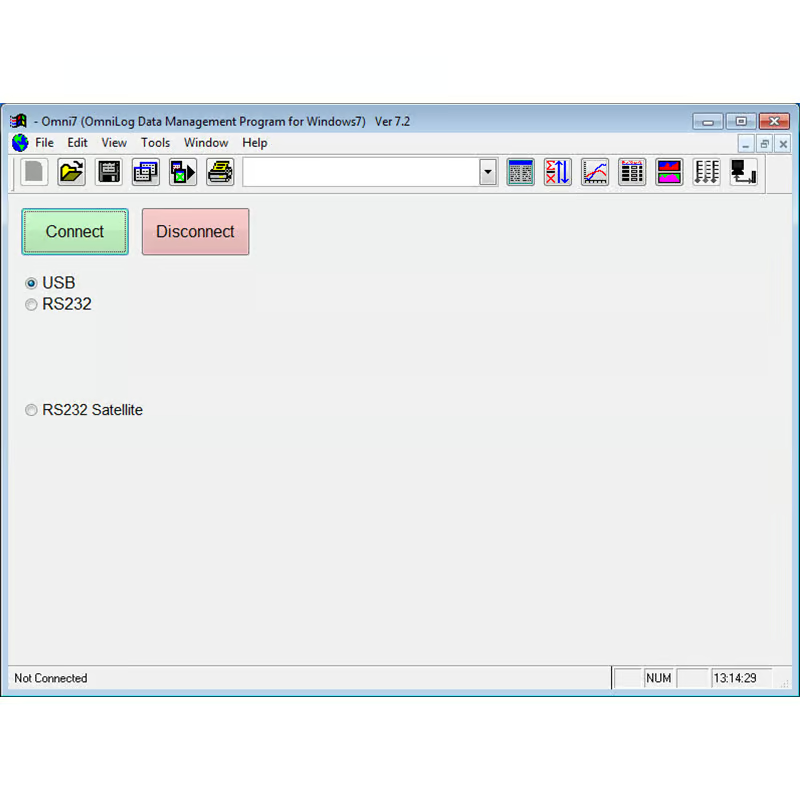
The Omni7 Data Management software is an application for reading, displaying, analysing, organising and exporting data that has been downloaded from Intech data loggers (all types, including older models).
It includes all the features of the original Data Logger Control Program with many additional Data Management Features.
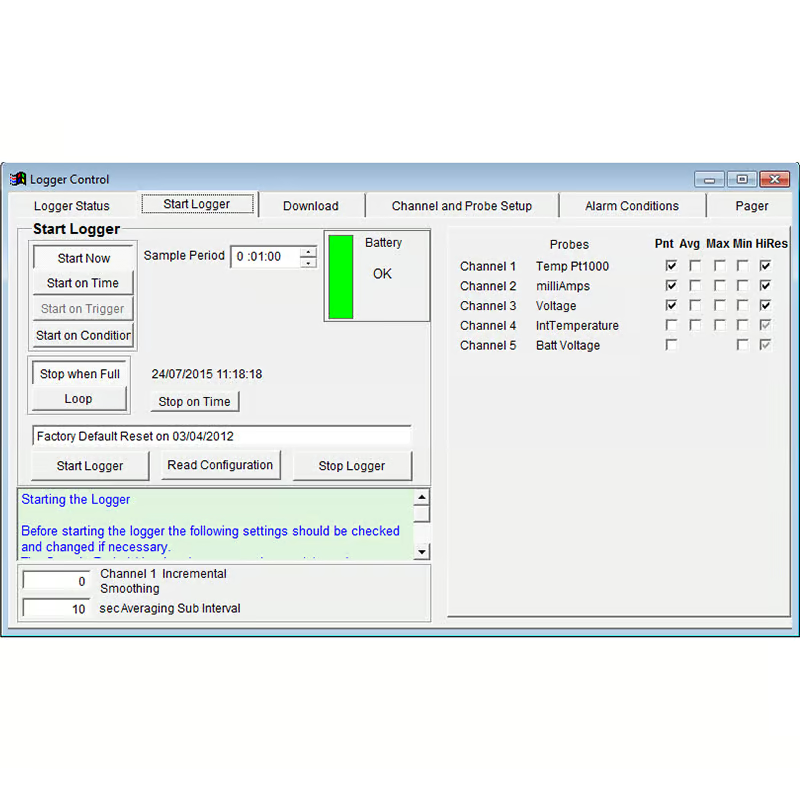
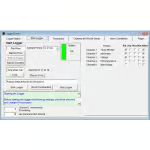
Data can be read from data loggers or retrieved from previously saved data files. A connected data logger can be configured,calibrated, started, read and stopped by this application.
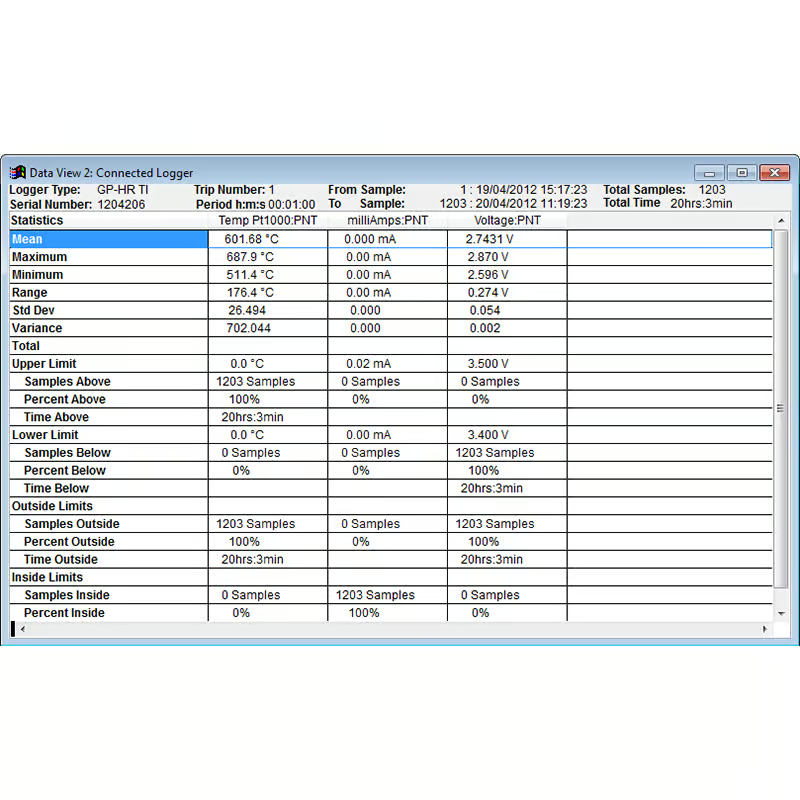
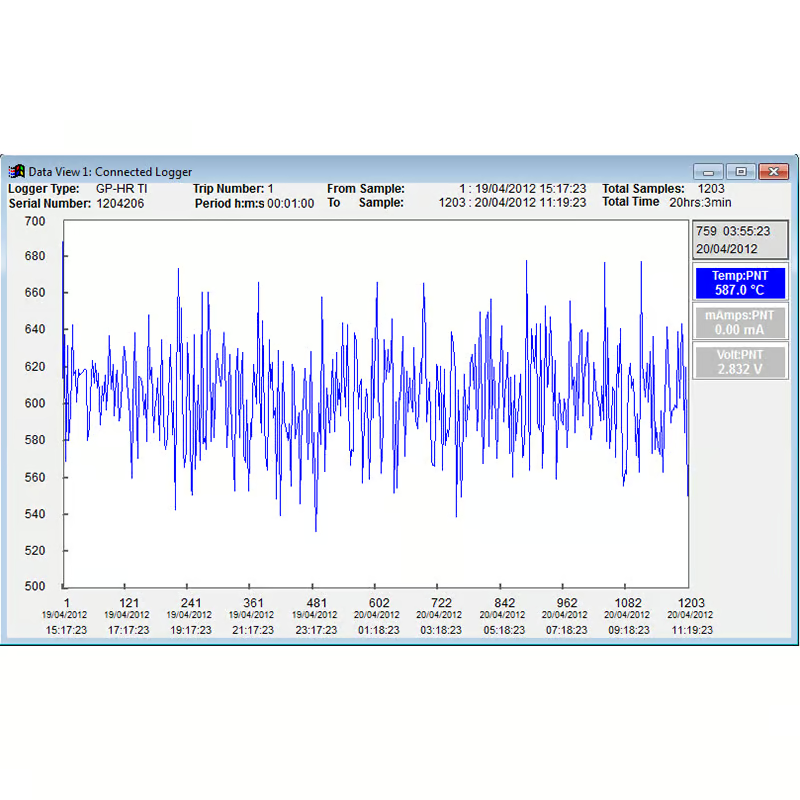
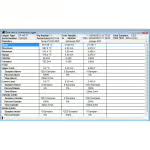
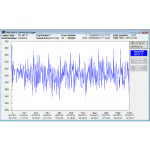
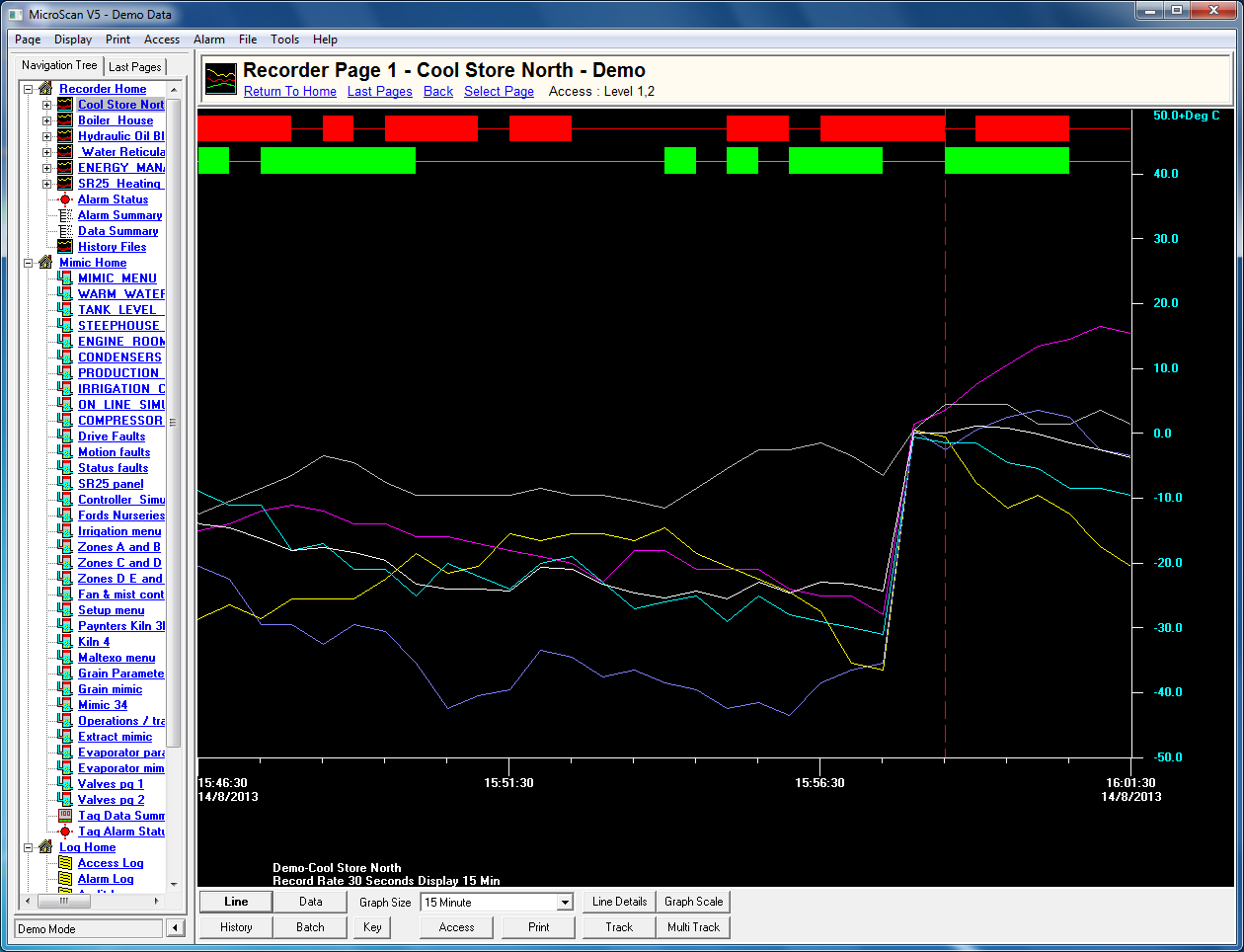
Data retrieved from data loggers or weather stations and previously saved data files can be viewed and printed in a values spread sheet list, as a graph or as a statistics report. These values, graphs and statistics can be displayed and printed for all data or from a user selected block of data.
Periodic reports in Hourly, Daily, Weekly and Monthly intervals can be viewed and printed. Datasets from different loggers can be combined and the full range of viewing and printing options are available for these combined datasets.
Data can also be exported in a large range of industry standard formats including Microsoft Excel, Lotus 123, Lotus Symphony, DIF, Microsoft Multiplan, Symbolic Link Format, CSV, HTML and Space delimited Text Format.
| Battery Status | Saving Log Files |
| Graph | Serial Number |
| Reports | Dataset History |
| Formats | Wind Chill Factor |
| Print | Real Time Screen |
| Overviews | Modem Control |
| Dew Point | Offset Calibration |
| Trips | Sample Period |
| Tutorials | Channel & Probe Setup |
| Log File | Change Dataset units |
| Log Status | High Precision Graph Draw |
| Multi channel | Quick Graph Draw |
| Graph & Values | Typographical Conventions |
| Exporting Datasets | Calibration Procedures |
| Graph Colours | Humidity Calibration |
| Joining Graphs | Light Intensity Calibration limits |
| Light Energy | Units & Scaling |
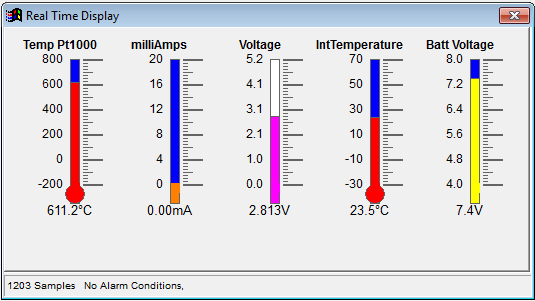
| Pulse Input | Displaying Real Time readings |
| Leaf Wetness | Viewing Data in values |
| Probe Selection | |