







MicroScan SCADA Software Version 5.1
Includes: MicroScan, Intech Micro, History Viewer, Shimaden Lite, Remote DDE Server.


uP Configure Programming Software
Programming Software to use with IN-uP4 + uP4-Din and Z-2400-A2 Series.

IntechMicro Intech Micro Station Programmer Software
Notes: Configuration software (for 2400-A16 and 2100-xx stations, using Serial and Ethernet connection).
Also includes XPort® Ethernet converter configuration for -NET stations and Z-2400-TCP, along with SD Memory Data Logging on the 2400-A16-SD-NET.
Configuration of 2400-A16 and 2100-xx stations is also possible using MicroScan SCADA V5.1 software.

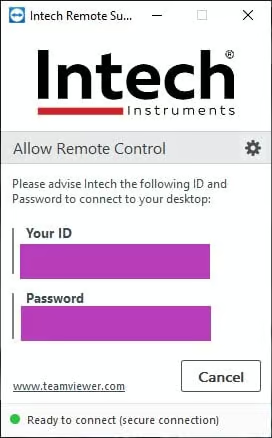
Intech Remote Support (TeamViewer)
Allows Intech to provide Remote Support assistance to your computer (via TeamViewer software). Note: Support charges may apply.

USB Driver Downloads
Get the latest USB drivers for the various Intech devices that require them.