







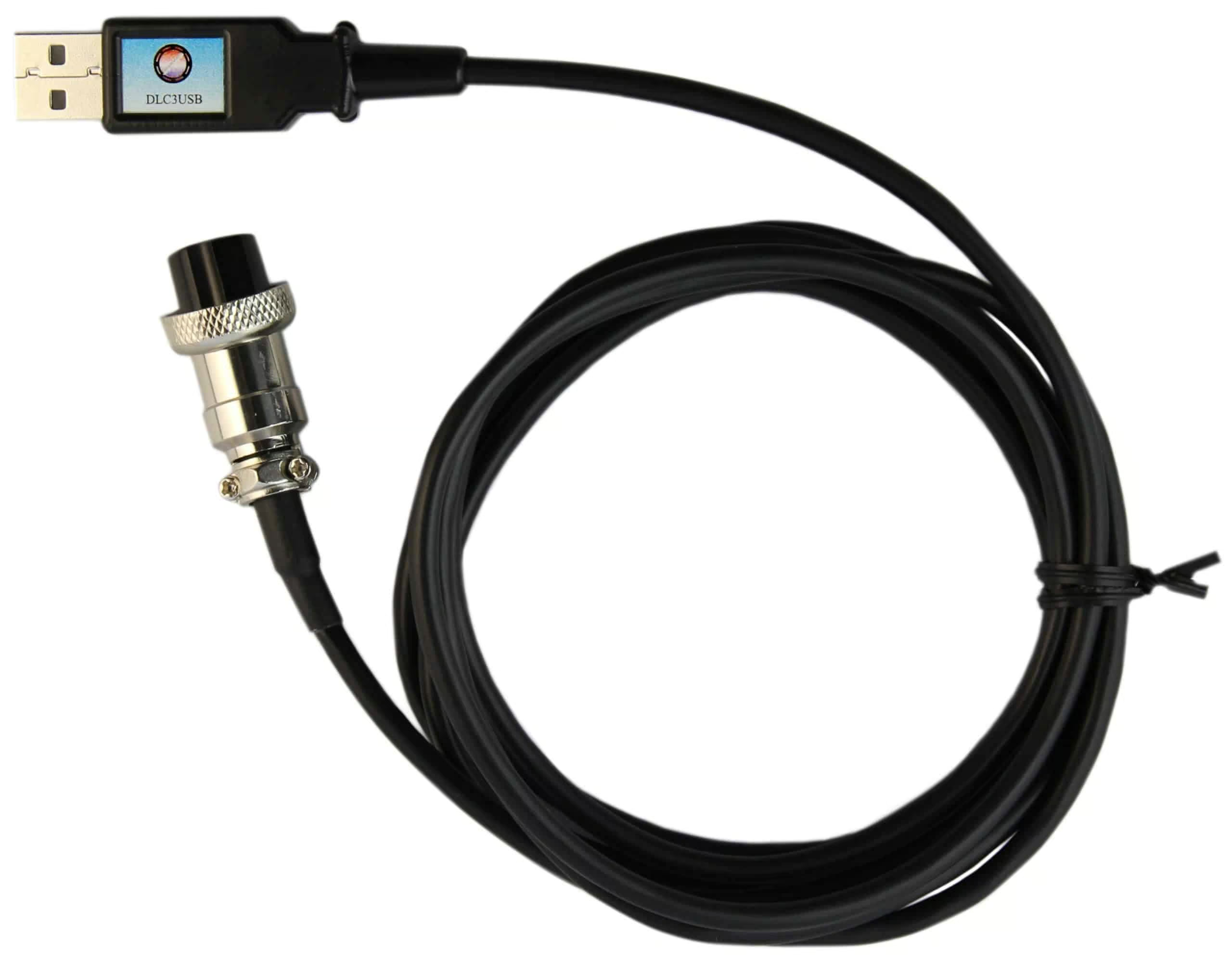
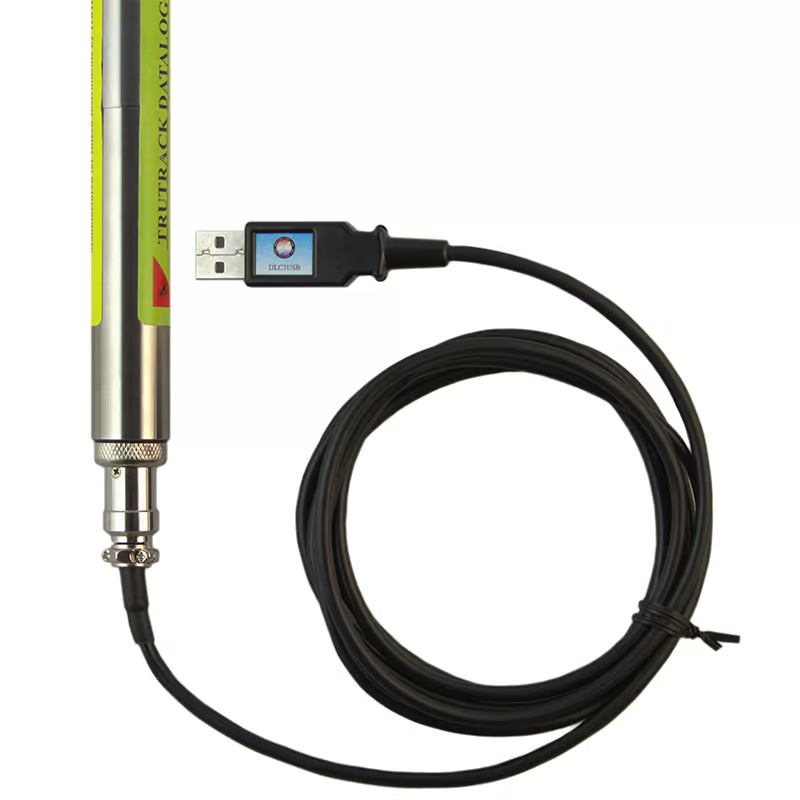
HR Series loggers can connect via a USB port using the DLC3USB download cable.
Product Details
Connect directly to the logger using a USB port of the computer.
- Once setup, Omni7 will automatically detect and connect to loggers using the USB connection.
- Omni7 MUST be installed BEFORE the USB download cable is connected to the USB port – this ensures the required USB driver is installed correctly.
Notes on using Intech data loggers with USB to Serial adaptors:
Many computers do not have a dedicated serial port which means that USB is the only connection method available. We strongly recommend connecting Intech Data loggers via a USB port using the DLC#USB download cable appropriate for the logger type.
Intech Instruments Ltd have tested using many types of USB to serial adaptors on different computers and have no problems connecting with the loggers.
However, we are unable to provide assistance for a particular adaptor beyond the information below. We strongly recommend using a DLC#USB download cable appropriate for the logger type for connecting via USB!
You will need to install drivers that come with the USB to Serial adaptor you are using. After the drivers are installed, you will need to check that the computer has not allocated the RS232 port a number above 8.
This is because Omni7’s autodetect only looks at the first 8 comm ports.
If it has been allocated a port number greater than 8 this can be changed in:
Start > Control Panel > System > Hardware > Device Manager > Ports (COM & LPT) > USB Serial Port (COMx)
When using Omni7, we also suggest that you check the following as per this picture (under Tools > Options [Comms Tab]):
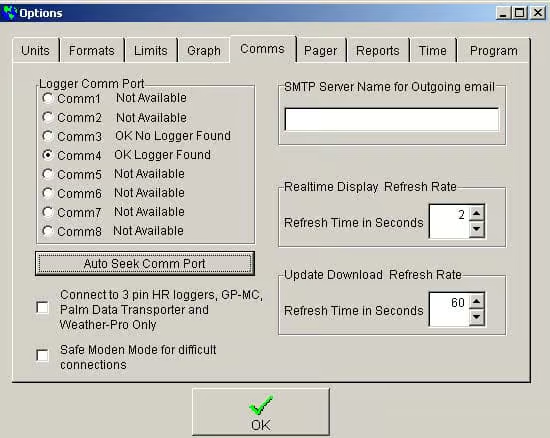
If the Logger Comm Port is set to Comm1 and the USB to serial adaptor is using a different port then Omni7 will not connect to the logger. The easiest way to find out which is the correct port to use is to click the ‘Auto Seek Comm Port’ button as per the picture (with the logger attached to the adaptor using the appropriate download cable). The logger should then be automatically detected. You can then click on the appropriate port that the USB to serial adaptor is using.
Documents
- Using USB Download Cables 348.42 KB
Related Products
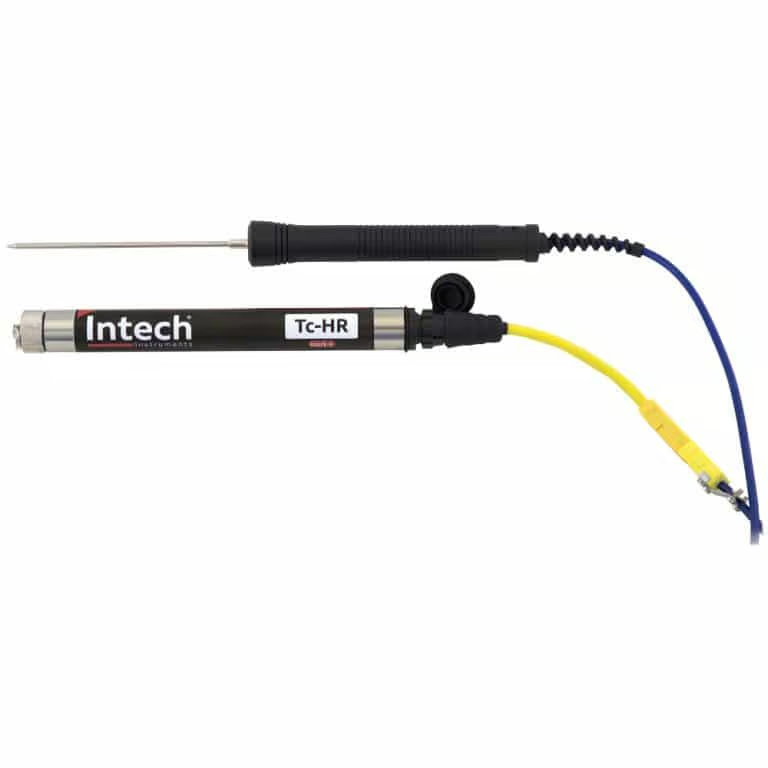
Tc-HR
Thermocouple Temperature Data LoggerIn stock
$0.00 Excl. GST
Select options
This product has options that may be chosen on the product page
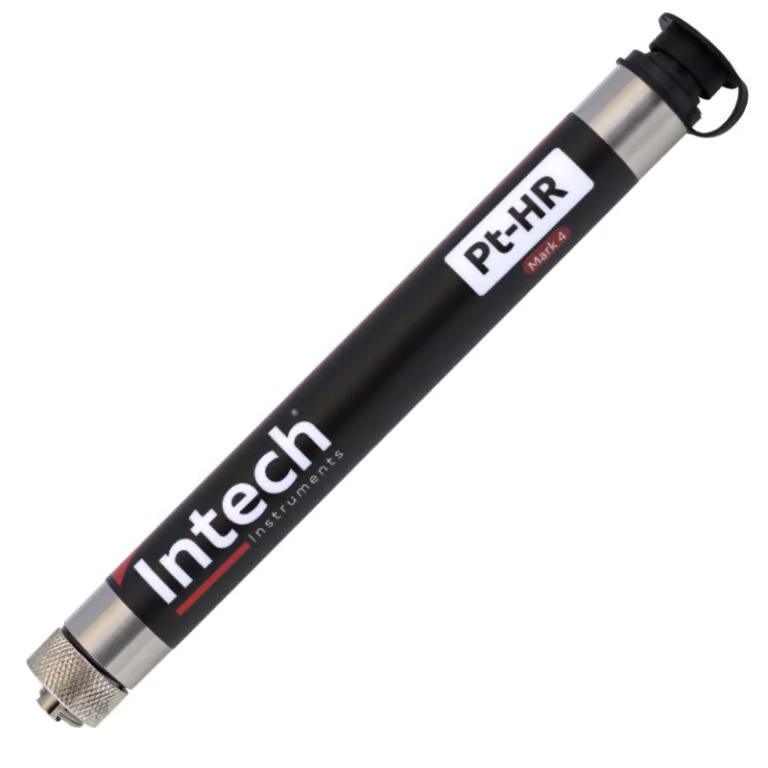
Pt-HR
External RTD Temperature Data LoggerIn stock
$0.00 Excl. GST
Select options
This product has options that may be chosen on the product page
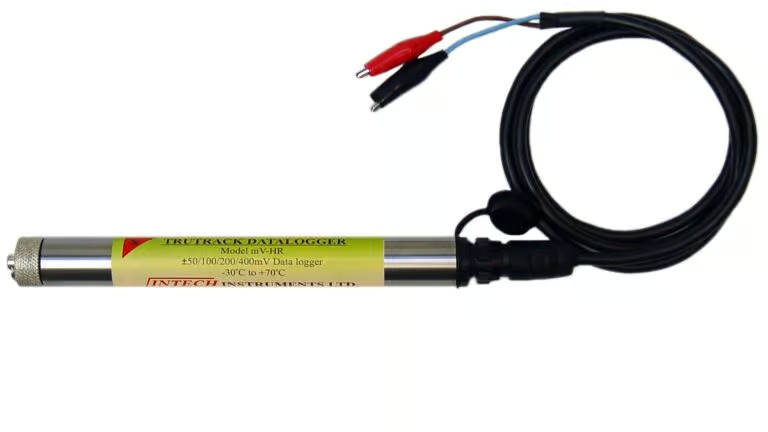
mV-HR
milliVolt Data LoggerIn stock
$0.00 Excl. GST
Select options
This product has options that may be chosen on the product page
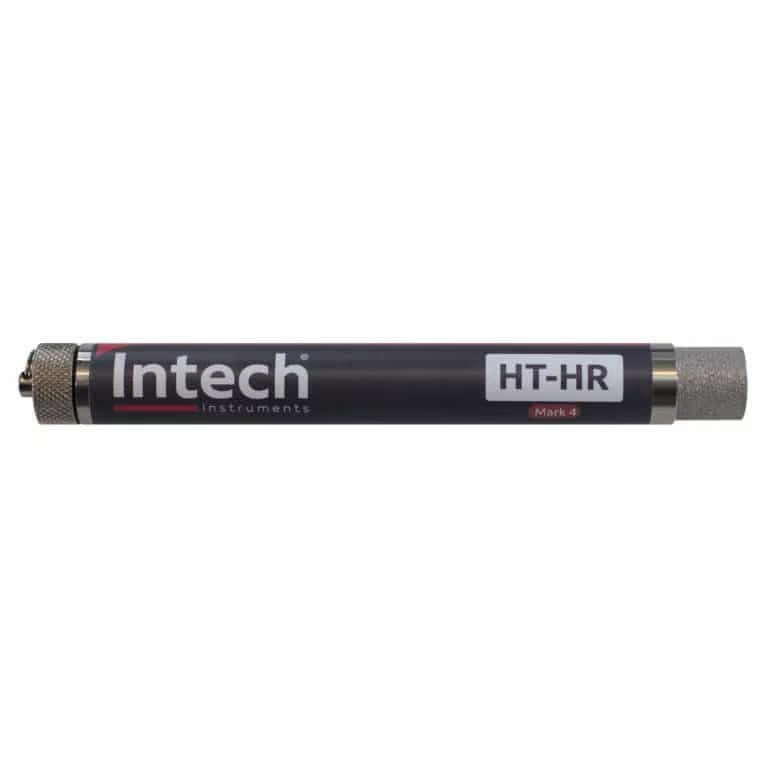
HT-HR
Humidity & Temperature Data LoggerIn stock
$528.00 Excl. GST
Select options
This product has options that may be chosen on the product page
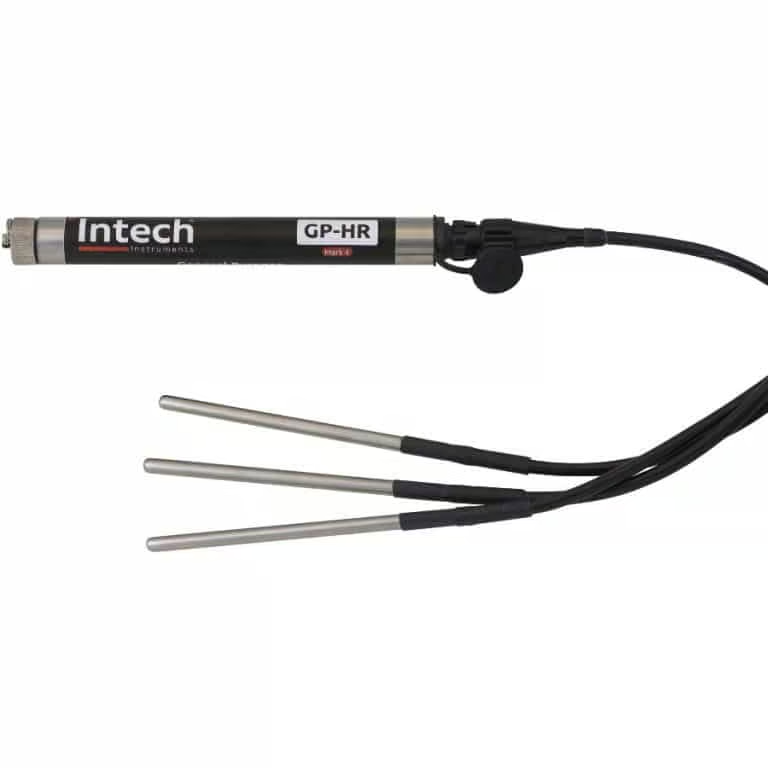
GP-HR
General Purpose Data loggerIn stock
$500.00 Excl. GST
Select options
This product has options that may be chosen on the product page
Similar Products
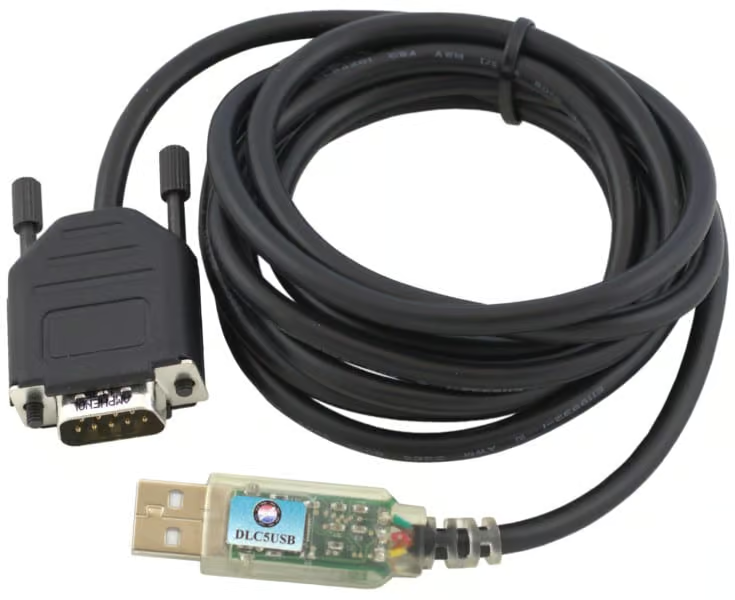
DLC5USB
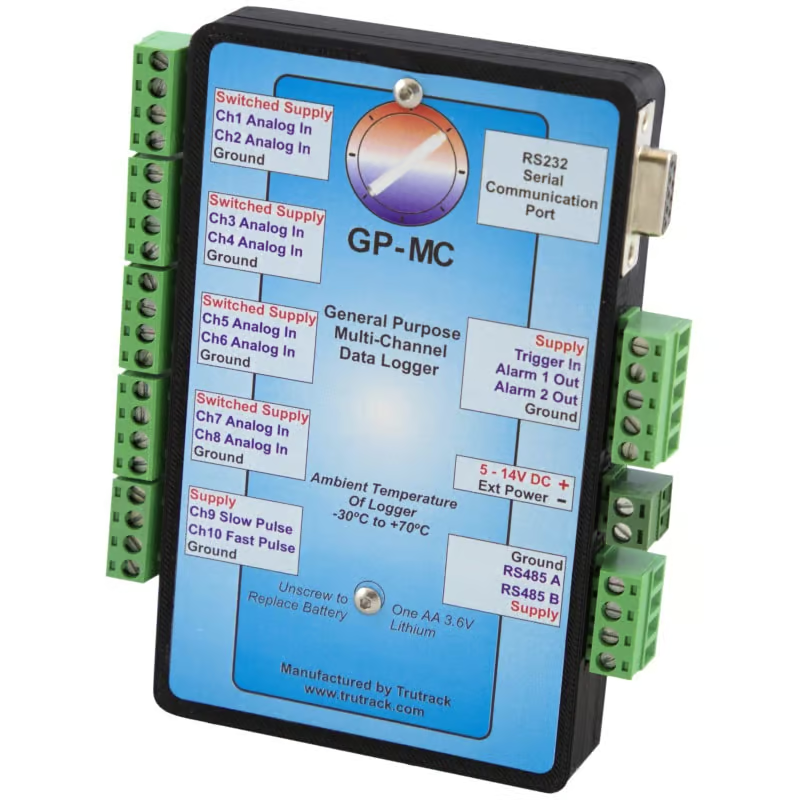
USB Download cable for GP-MCIn stock
$135.00 Excl. GST
Select options
This product has options that may be chosen on the product page
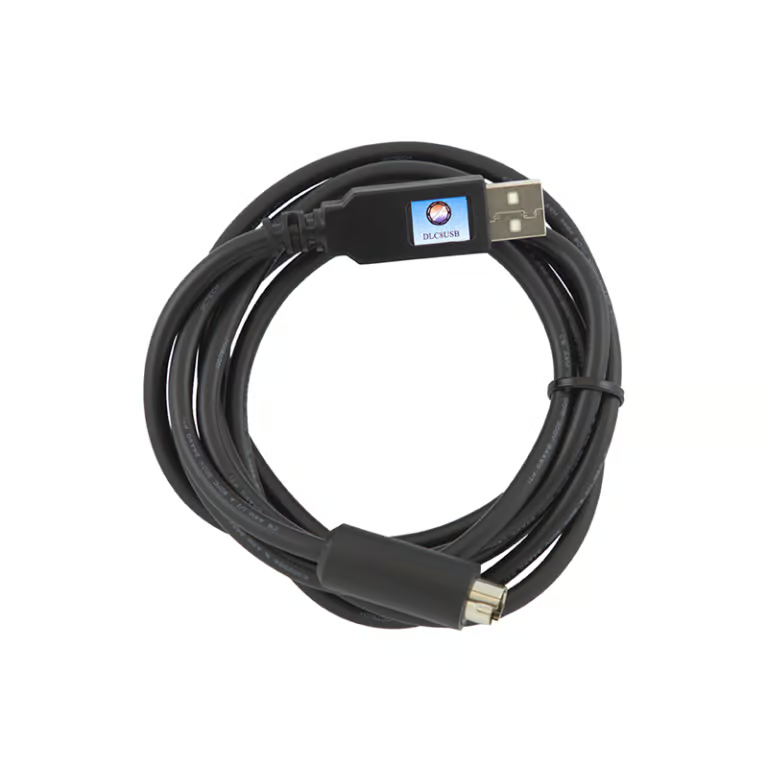
DLC8USB
USB Download cable LCD SeriesIn stock
$135.00 Excl. GST
Select options
This product has options that may be chosen on the product page