



Discontinued


Product Details
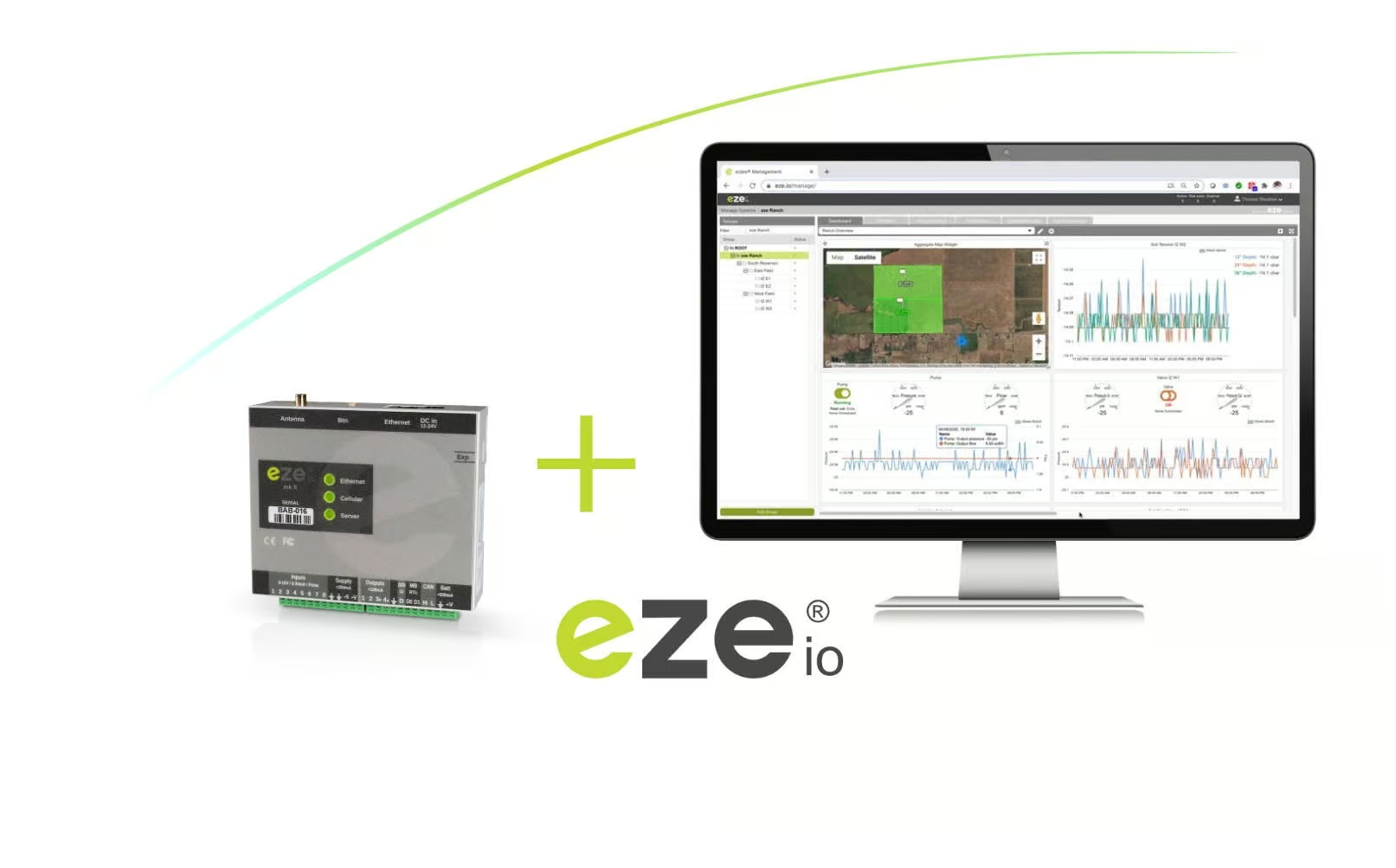
The ezeio mkII Cloud Software – 100% remotely managed with total control for the user
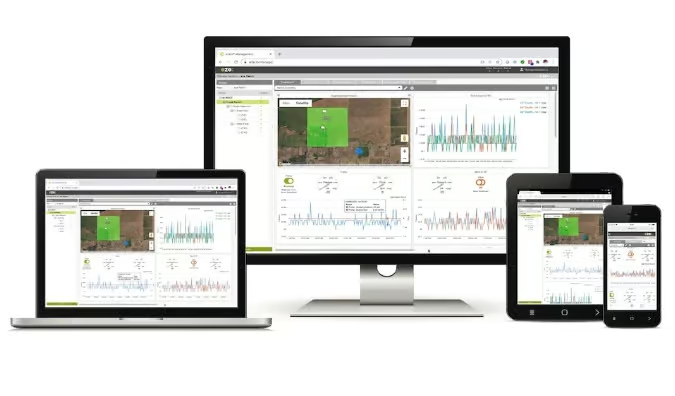
The powerful ezeio User Interface
One “hub” for all technical & managerial user needs.
Through the ezeio User Interface, users can access any number of ezeio Hardware units based on their individual access permissions. Every system feature and functionality is 100% managed through the web portal. This improves the security benefits too as there is no other way to interact with the system … not remotely, not locally on the hardware level, only through the web portal!
- Account Management

- Configuration Management
- Scripting Editor
- Live status
- Dashboards
- Alarms & Notifications
- Timers & Schedules
- Mapping & Geofencing
Group & account management
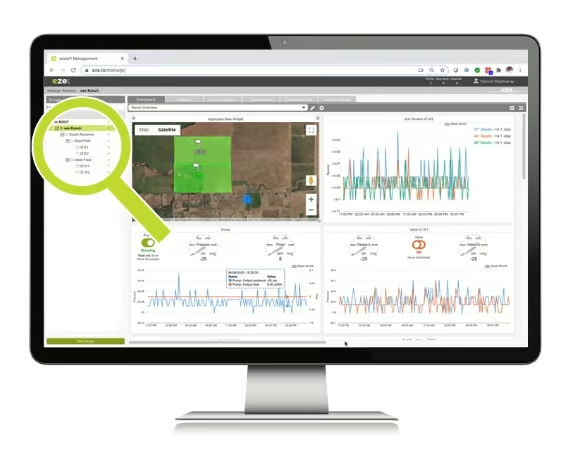
Create any numbers of accounts & groups.
- The group & account functionality is a powerful managerial tool that allows you to structure your system classifications in many ways including; by location, by type of equipment, by business unit or you can map your own commercial ecosystem.
- There are no upper limits for creating groups and accounts as well as levels within the tree structure.
User management & permissions
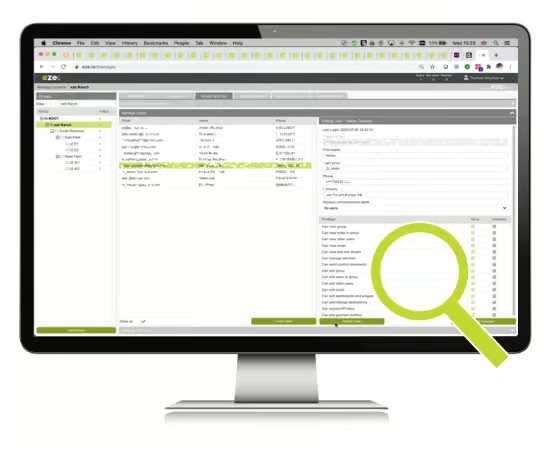
A very unique system for managing the access rights for every single user.
- The user management and permissions system within the ezeio environment allows you to invite users into any specific group/account with specific access restrictions.
- Users can be invited into various groups and accounts individually.
- The permissions system gives the option to assign specific access rights for each individual user so they only have access for their specific needs/assignments. Additionally, a single user can have different permissions in different groups and accounts.
- The permissions can range from very limited “view only” access to full administrator rights.
Dashboard & widgets
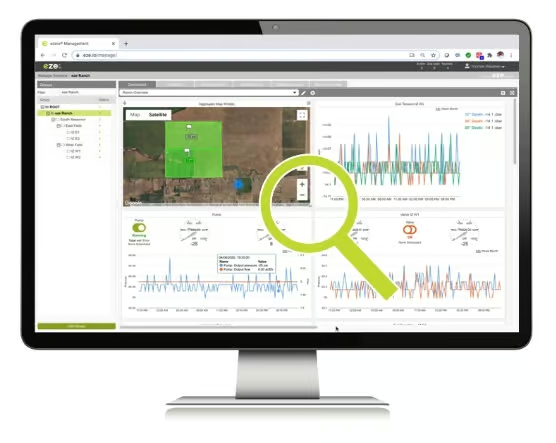
Customised data visualisation for just sensors or whole applications and systems.
The dashboards can be easily created based on predefined widgets. There are no limits set in terms of dashboard sizes or the number of widgets used. Widgets can be simple such as dials and graphs, through to powerful applications in itself with control and automation functionalities (“Super Widgets”). They are either used from the standard ezeio library or can be created by eze System for a company’s specific requirements. Here are some examples of the widget types:
- Field value/text widgets
- Dials/gauge widgets
- Graphs widgets
- Tables widgets
- Push/sliding button widgets
- Clock/date widgets
- Map widgets with geofencing details
- Aggregation “Super Widgets” (in table or map form) for the consolidation of deployments, applications and systems
- Scheduling “Super Widget”
The above widget types can be combined into newly created widgets for customisation purposes by the eze System development team, providing full flexibility for creating new custom applications.
The unique ezeio configuration management system
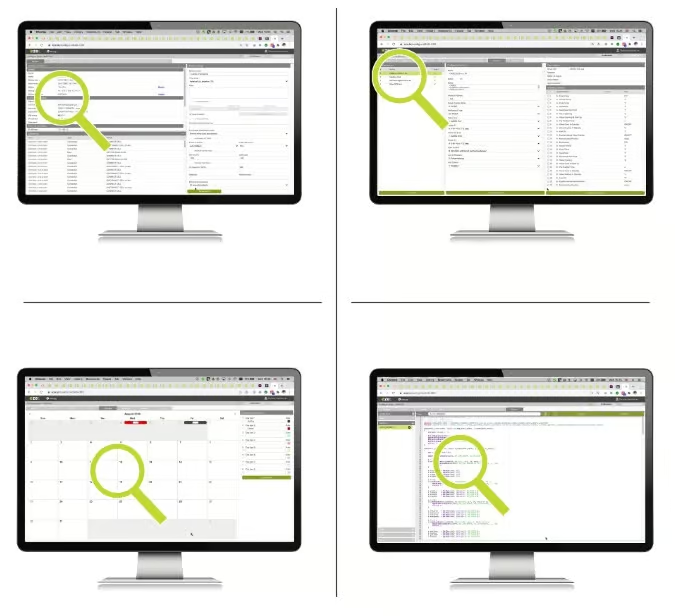
Total control of every single ezeio system.
The configuration management system is the “heart” of the ezeio mkII System. It gives 100% control of the configurations for every deployed ezeio mkII Hardware from simple settings to complex scripting. The current configuration management components are:
- System status overview
- Fields overview & management
- Alarms & notification configuration
- Timers configuration
- Schedule configuration
- Calendar configuration
- Device/driver overview & management
- User scripting management
All configuration updates within the system are fully automated and synchronised. Even offline, ezeio mkII hardware units are managed automatically. They will be updated with the latest configuration whenever they are again online. These features free up the users to focus on their core work.
Documents
- ezeio mkII Brochure 1.64 MB
- ezeio System Brochure 1.90 MB
- ezeio Quick Start Guide 269.36 KB
Similar Products
Discontinued
Discontinued